
Vertex² User Manual · PDF page 11
OUT0 / DOWN Button
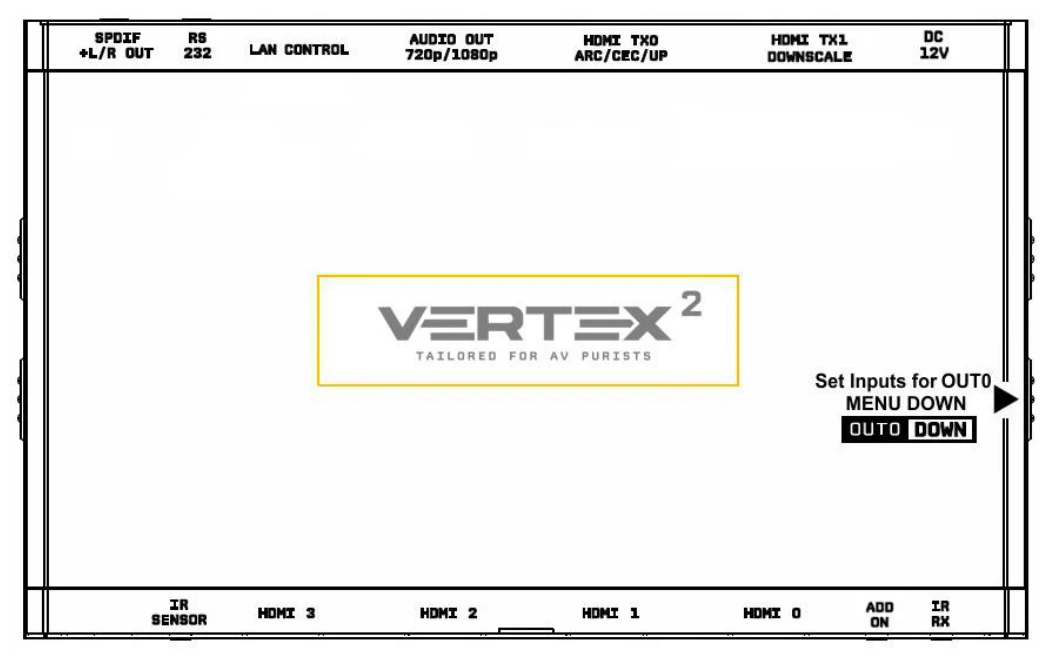
Vertex² Out0/Down Button
The 4K Vertex² offers 2 functions per push button.
[OUT0] Wake up from sleep/fade mode and/or set and switch active or inactive inputs for TX0 HDMI output.
[DOWN] When you are in Vertex² OLED MENU, the DOWN button allows you to navigate downward.
Vertex² OLED/OSD will report info for up to two active inputs in default Matrix mode.
Note: You can also control and change settings with IR codes, through IP or RS232 for MAC/WIN/Linux or from the embedded Webserver for MAC/WIN/Linux PC or via Android/iOS smartphone/tablet or any web browser based device.